October 2, 2025
Work Better, Together
This update is a big one. We’re introducing powerful new ways to collaborate with your team and have completely supercharged the tools you use every day. Your entire workflow is about to get faster, smarter, and more connected. Welcome to the next evolution of Splinde.
Say Hello to Workspaces
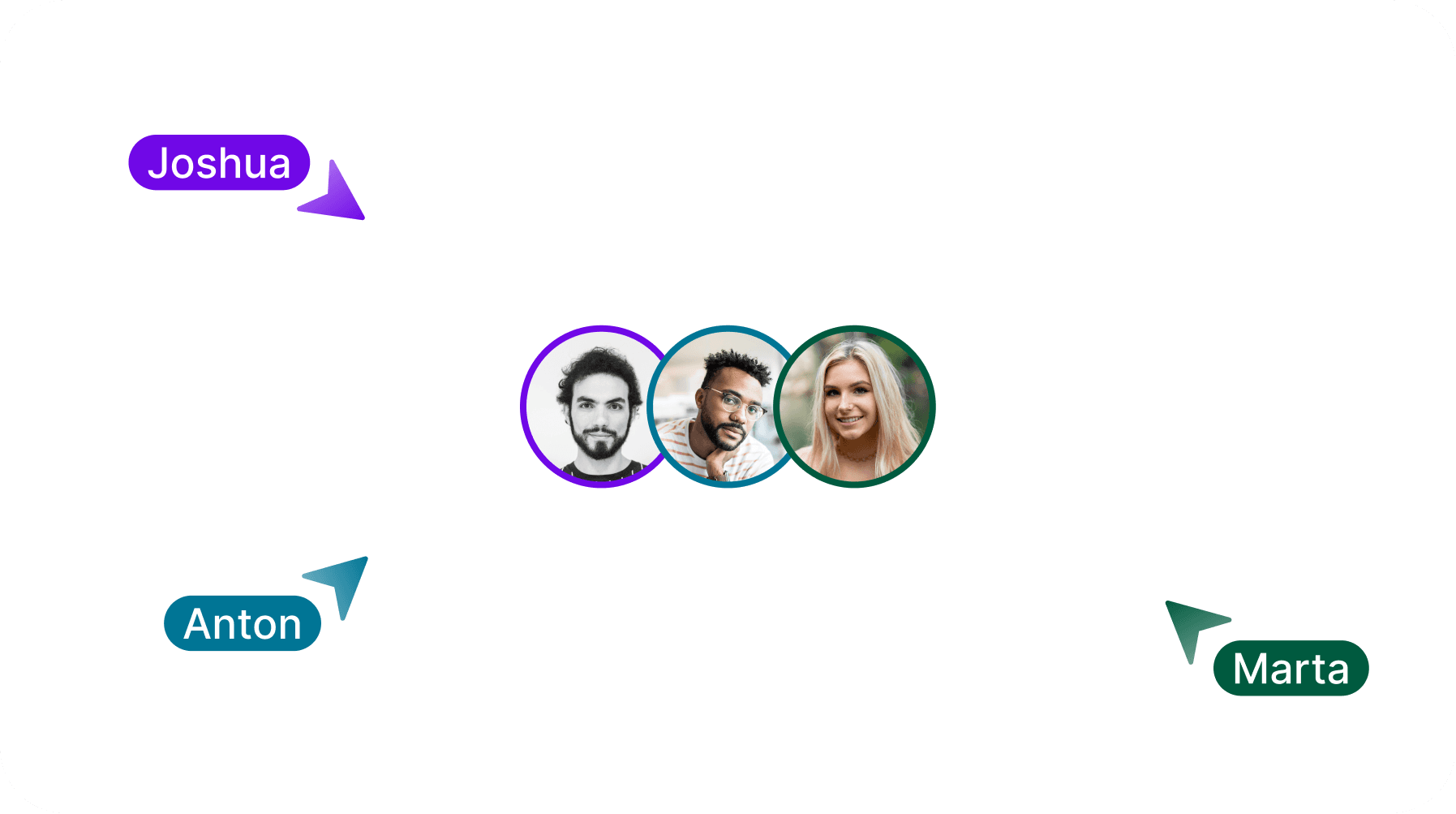
Budgeting is now a team sport. With Workspaces, you can invite your entire team into Splinde to collaborate on projects in real-time. Share budgets, see live updates, and keep everyone perfectly in sync. Say goodbye to outdated files and endless email chains, and hello to a single source of truth for all your project finances.
A Major Workflow Upgrade:
Multi-Select & the Action Bar
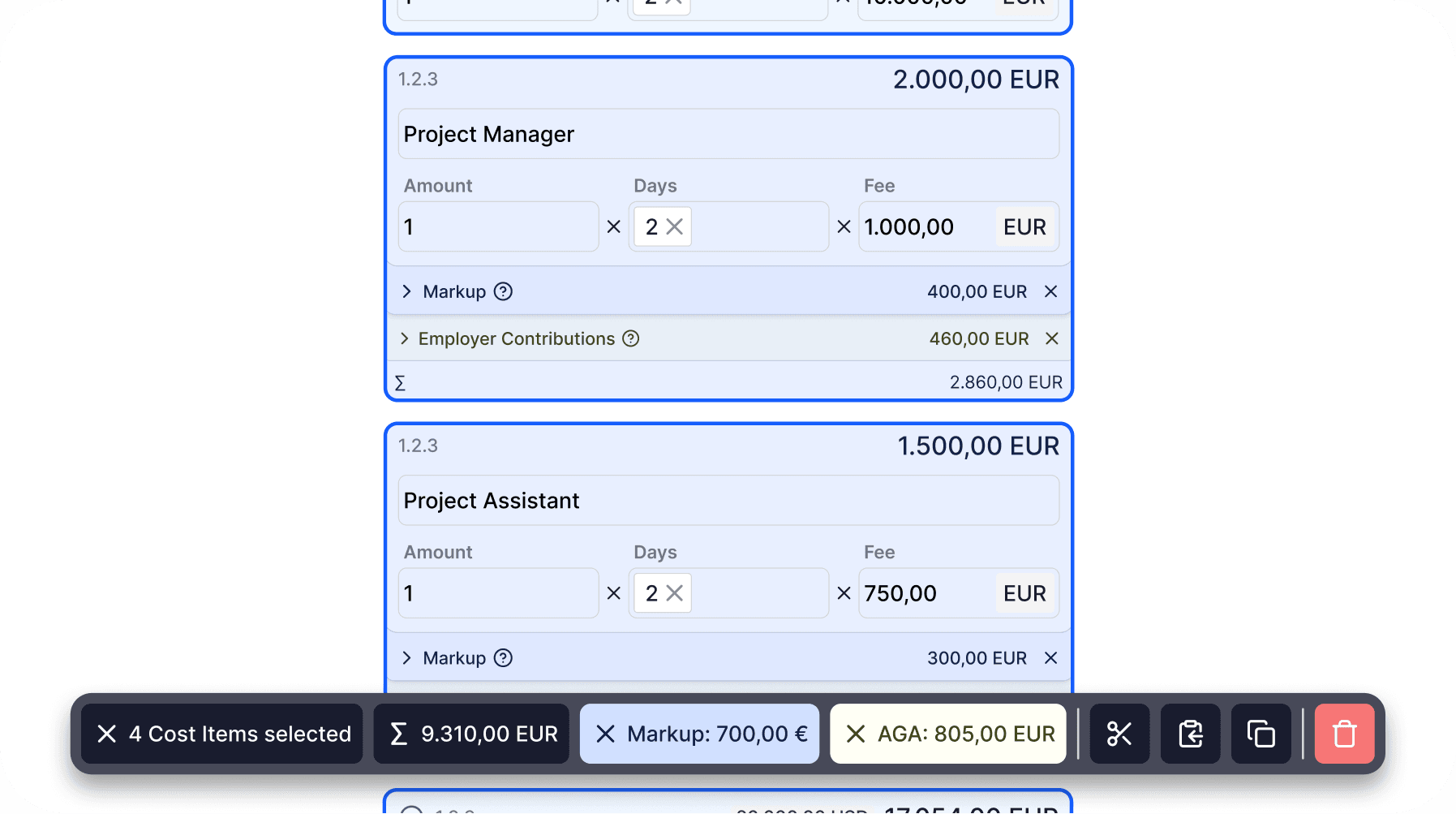
Your workflow just got a serious speed boost. You can now select multiple cost items and sections at once to perform powerful batch operations. Simply hold Cmd to select everything you need, then use the new Action Bar to copy, paste, duplicate, or delete your selection in a single click. Prefer keyboard shortcuts? All the classics like Cmd+C and Cmd+V now work seamlessly. As you make your selection, the Action Bar instantly shows you a live subtotal of all selected Cost Items, including a complete breakdown of all AddOns. It’s never been easier to understand and manage your budget at a glance.
Your New Mission Control: The Reimagined Sidebar
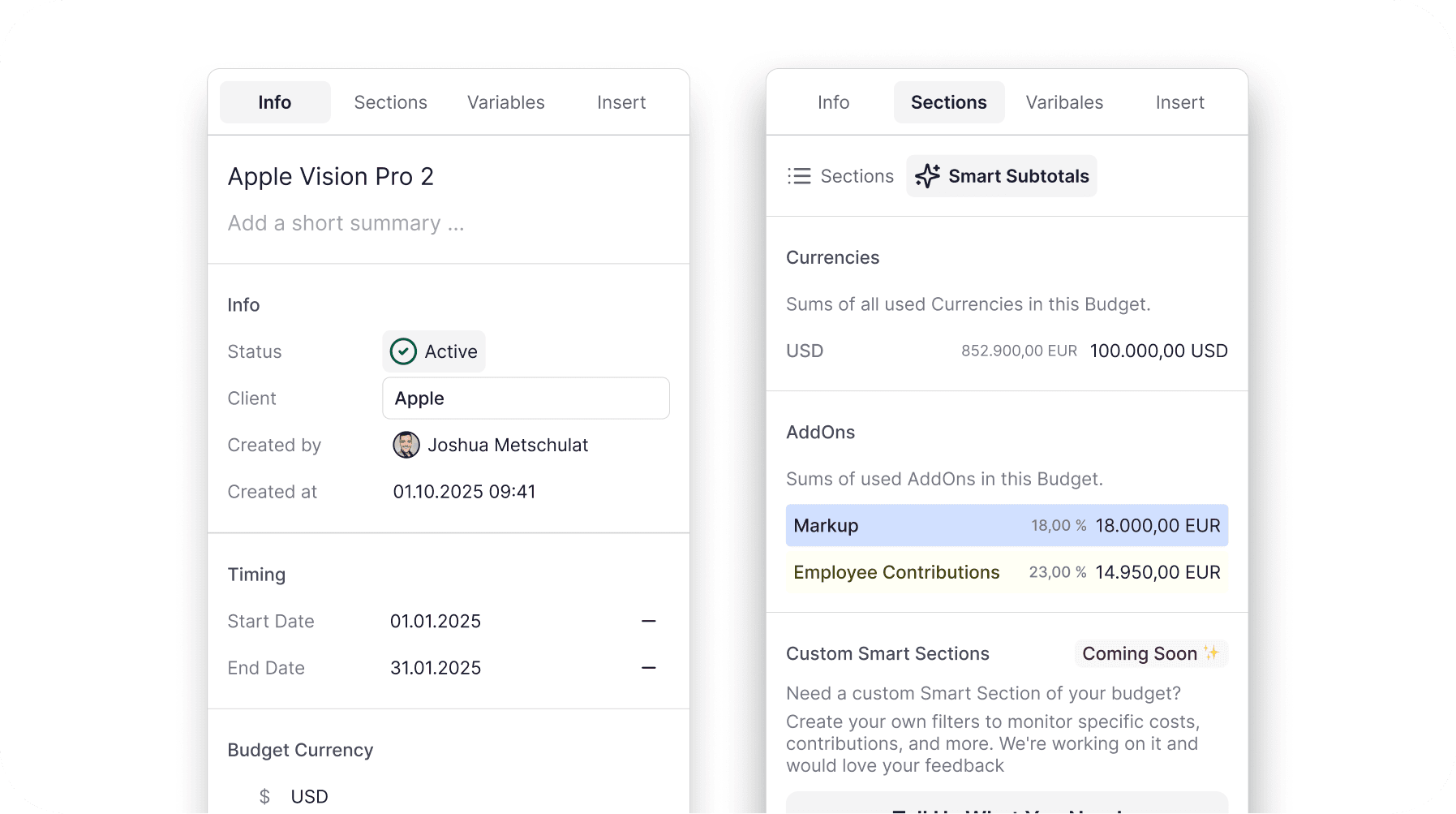
We’ve completely redesigned the sidebar to become the central hub for your entire budget. It's cleaner, more organized, and packed with new capabilities.
Introducing Smart Subtotals: Gain instant financial clarity with automatic cost breakdowns. The sidebar now shows you a subtotal for every AddOn type – like Markups or Employer Contributions – used across your entire budget.
Total Clarity: A new Info Tab lets you rename your budget, add a description, track project timing, and set a status to keep everything organized.
Effortless Organization: Restructure your budget with ease in the new Sections Tab. Simply drag and drop sections to reorder and nest them exactly how you want.
We can't wait to see how these new collaboration tools and workflow improvements empower your team.
As always, thank you for your continued feedback – it’s what helps us make Splinde better every day.
Improvements & Fixes
The Markup AddOn has been completely rebuilt. It’s now more powerful and flexible, allowing you to apply different markup values to different cost types (like items vs. social contributions) all within a single AddOn.
We’ve unified number formatting across the app for better consistency and readability, using a dot as the thousands separator and a comma for decimals.
Selecting and managing variables is now cleaner and more intuitive.
A new "Insert" tab in the sidebar provides a simple, dedicated place to drag and drop new cost items and AddOns into your budget.
The total budget sum is now always visible in the sidebar, so you never lose track of the bottom line.
Navigating to a page that doesn't exist will now show a helpful screen to get you back on track.
General UI refinements and numerous bug fixes make the entire app more stable and polished.